How I Gave My Website a Brain
Why Add a Chatbot?
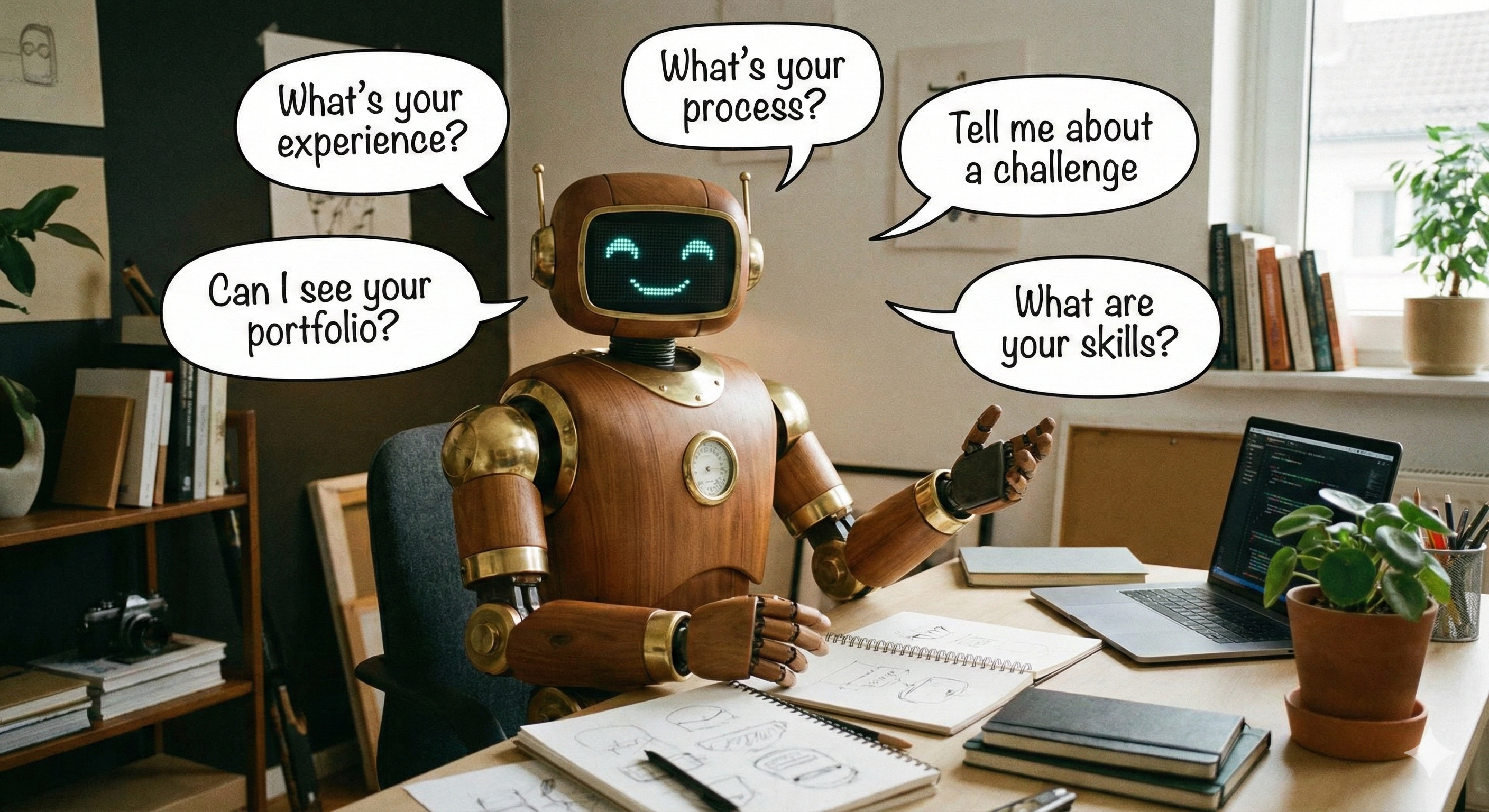
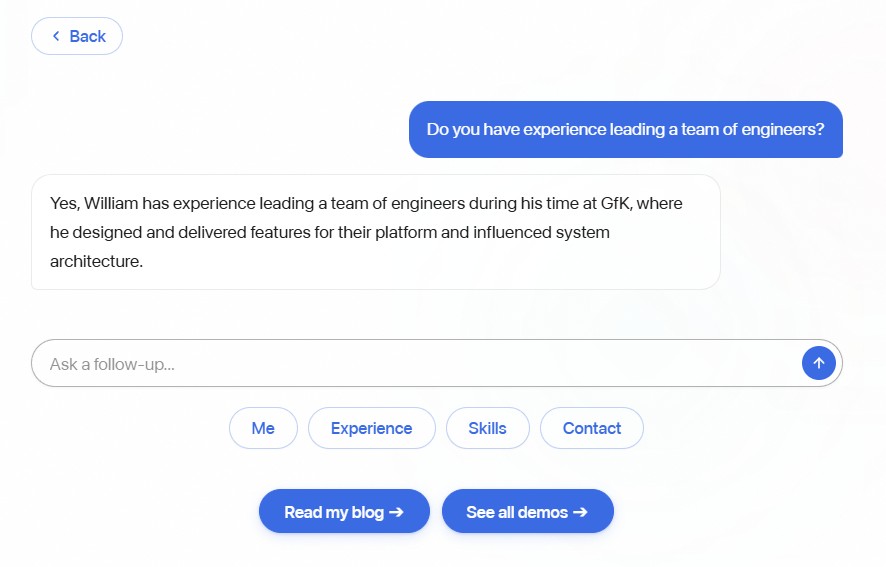
I wanted something more interactive than a static "About Me" page. Instead of making people click around to find what they're looking for, they can just ask. Small thing, but it makes the whole site feel more like a conversation than a brochure.
Picking the Right AI Model
Not all AI models are created equal. Think of it like hiring - you don't need a PhD researcher to answer phones. Here's how I thought about it:
| Model | Cost | Speed | Think of it as... |
|---|---|---|---|
| GPT-4o-mini (my pick) | Very cheap | Fast | A sharp intern - handles routine questions perfectly |
| GPT-4o | Medium | Medium | A senior consultant - overkill for most Q&A |
| Claude Sonnet | Medium | Medium | Another strong consultant option |
| Llama 3 (self-hosted) | Free | Varies | Running your own in-house team |
My chatbot's job is simple: answer questions about me using information I've already written. It doesn't need to solve complex problems or write essays. So the "sharp intern" model was an easy pick - it costs a fraction of a penny per conversation and responds almost instantly.
How It Actually Works
The setup is simpler than you might think. When someone types a question, three things happen:

Step 1: Figure out what they're asking about. The system scans the question for keywords. Asking about my skills? It grabs my skills info. Asking about my experience? It pulls my work history. This way, the AI only gets the context it needs - not my entire website crammed into every response.
Step 2: Give the AI just the right context. Think of it like giving someone a cheat sheet before they answer questions. Instead of handing them a 50-page document and saying "figure it out," I hand them just the one page that's relevant. This keeps responses focused and costs down.
Step 3: Stream the response word by word. Instead of waiting for the full answer to be generated and then showing it all at once, the AI sends words as it generates them. It's the same effect you see on ChatGPT where the text appears to "type" itself. It makes the interaction feel much more responsive, even though the total time is the same.
Why Not Use Something Fancier?
You might have heard of RAG (Retrieval-Augmented Generation) - it's a more sophisticated approach where the AI searches through a database to find relevant information. It's powerful for large knowledge bases, but for a personal portfolio with maybe a dozen pages of content? Overkill.
My approach - scanning for keywords and injecting the right context - gets me 90% of the way there with zero extra infrastructure. No databases, no complex search systems. Just a smart mapping of "if they ask about X, show them Y." I'd always try the simple approach first before reaching for more complex tools.
What About Privacy?
One thing worth mentioning - every visitor message goes to OpenAI's servers for processing. For my use case, that's fine - all the context is public information from my portfolio anyway. There's nothing sensitive being shared.
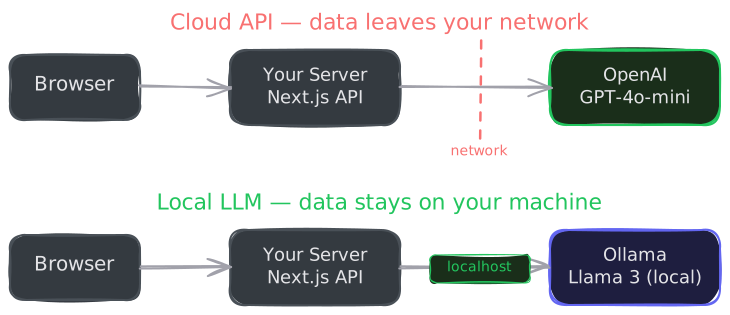
But if you're building something that handles private data - medical records, financial info, internal company documents - you can run AI models entirely on your own hardware. Tools like Ollama let you run open-source AI models locally, so nothing ever leaves your network. The trade-off is you need a powerful computer, and the quality isn't quite as good. But for sensitive applications, it's a real option.
I designed my chatbot so swapping between cloud and local is a one-file change. I like having that flexibility even if I don't need it right now.
Key Takeaways
- You don't need a complex setup for a focused chatbot. A clear set of instructions and curated context goes a really long way. I'd try the simple approach before reaching for sophisticated tools every time.
- Pick the right size model for the job. The cheapest, fastest option that gets the job done is usually the best choice. Save the expensive models for problems that actually need them.
- Only send what's relevant. Giving the AI just the context it needs keeps costs down and answers on topic.
- Streaming makes it feel alive. Seeing words appear in real time is a small detail that completely changes how the interaction feels.
- Design for flexibility. Being able to swap AI providers easily is worth the small upfront effort, even if you don't need it today.